Coding Python: the Python compiler app that teaches you Python
A real CPython 3 interpreter on your phone, with a syntax-highlighted editor, an interactive console and a built-in curriculum of examples, quizzes and challenges. Package: app.learnpython.codingpython.pythoncompiler.
- Runs on the device
- input() works interactively
- Multi-file projects
- No account required

What is inside
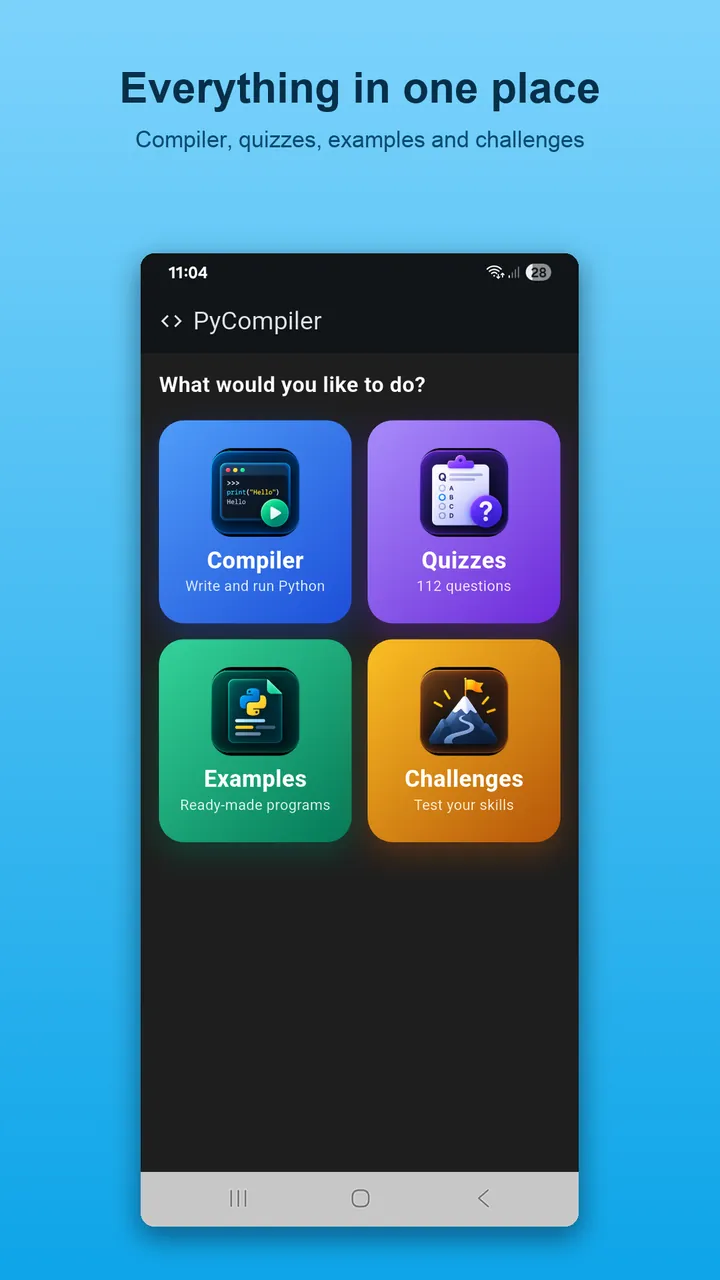
Compiler
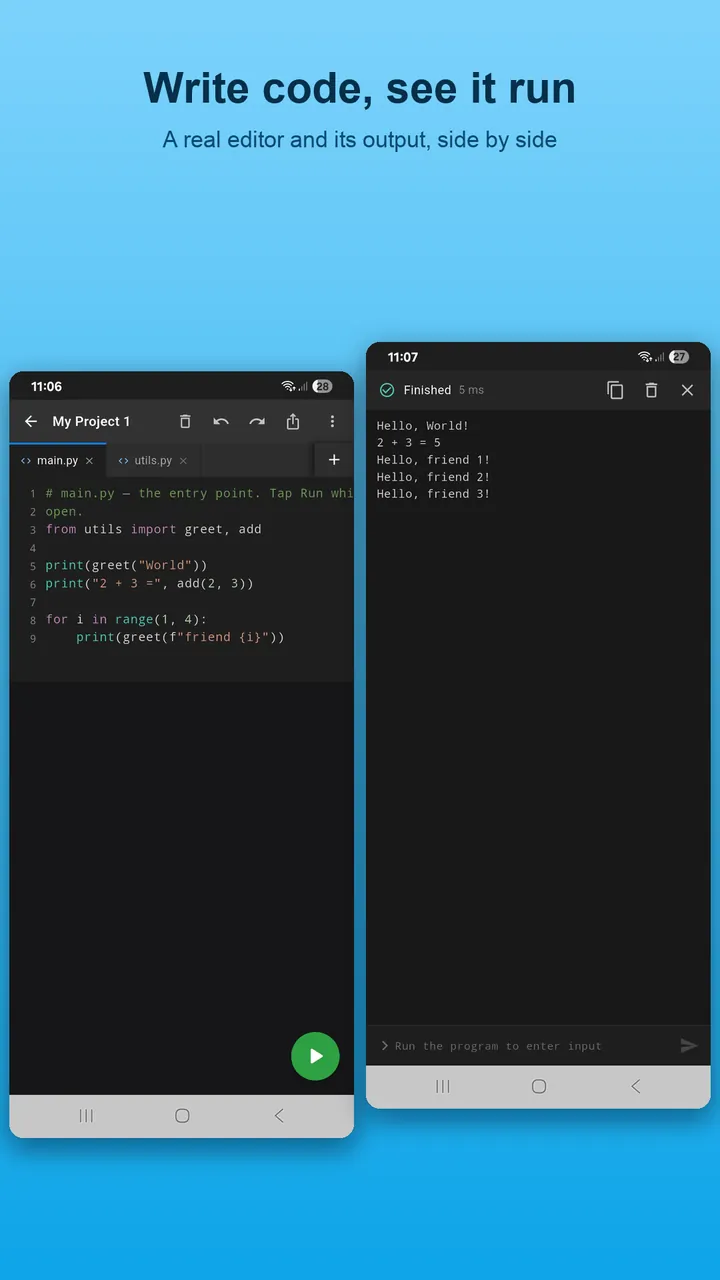
Write and run Python 3 with syntax highlighting, auto-indent, bracket matching and a symbol toolbar for the characters that are awkward on phone keyboards. The console is a real terminal: input() pauses for you, long programs can be stopped, and output streams as it is produced. Create named projects with multiple files and import between them.
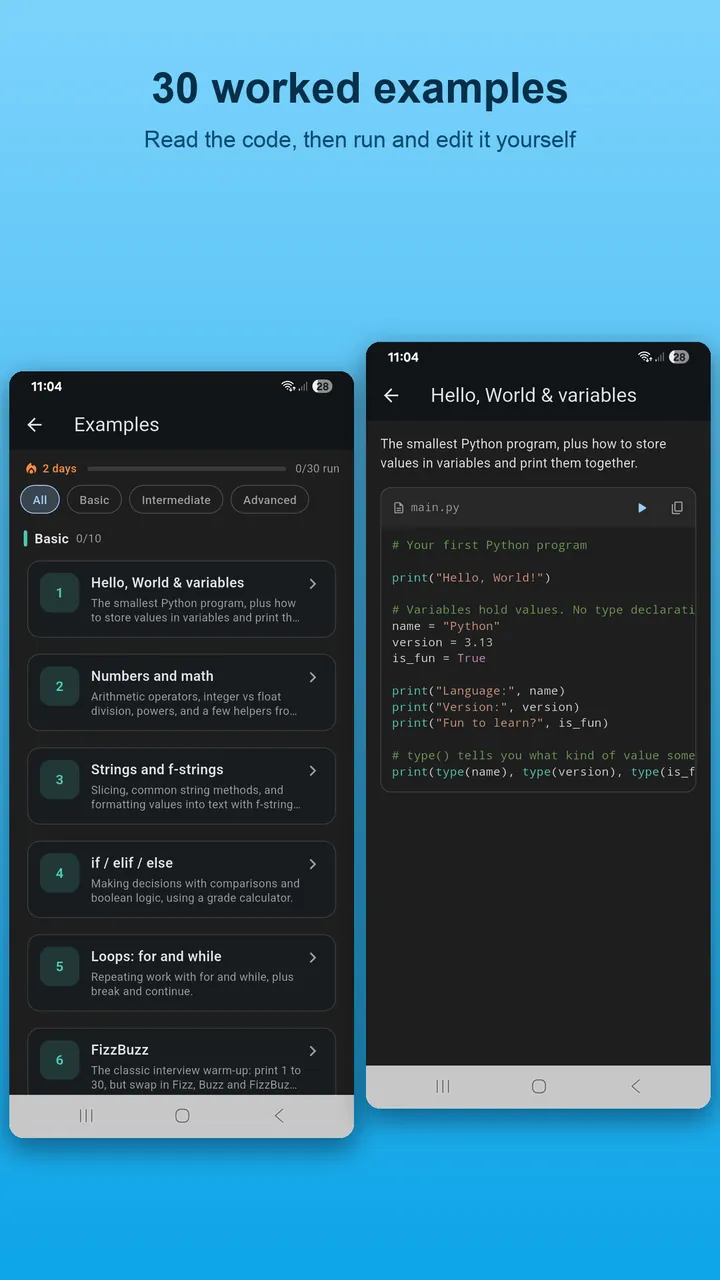
Examples — 30 programs
Hello World and variables · numbers and operators · strings and f-strings · conditions · loops · FizzBuzz · lists · dictionaries and sets · functions · interactive input · comprehensions · tuples, zip and enumerate · errors and try/except · classes · inheritance · JSON · random and simulation · dates · recursion · a mini text app · generators · decorators · lru_cache · collections · itertools · operator overloading · dataclasses · sorting and searching algorithms · regular expressions · context managers.
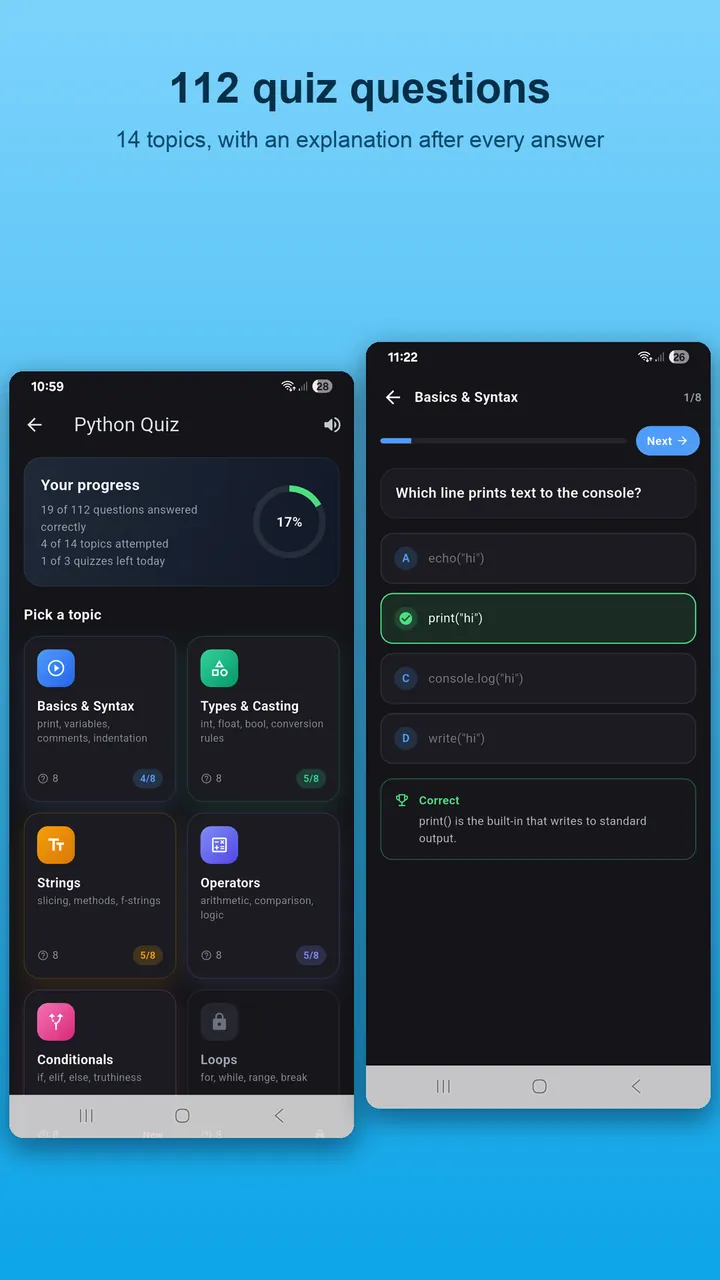
Quizzes — 112 questions
Multiple-choice questions grouped by topic, with an explanation after every answer, sound feedback and a results screen that shows which topics need review. Progress is saved on the device.
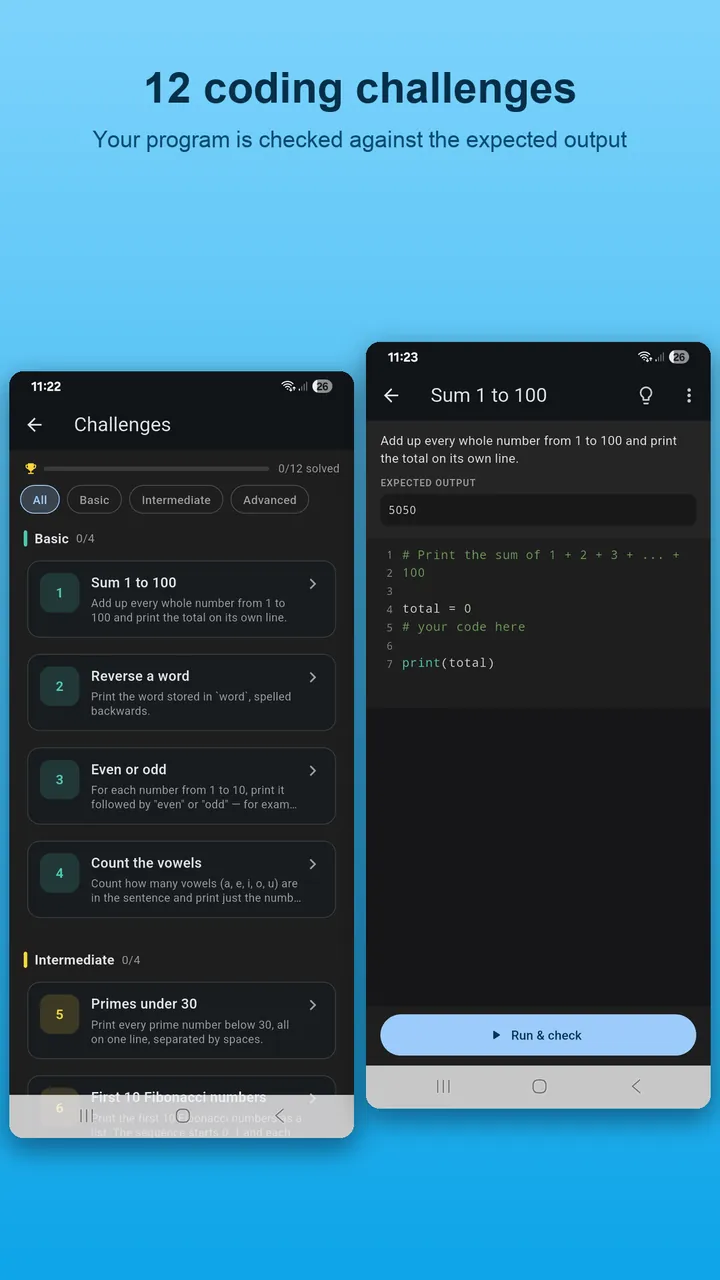
Challenges — 12 tasks
Each challenge gives a specification; you write the code and the app runs hidden tests to check it. From string manipulation to algorithms, they are the bridge between reading about Python and writing it.
Screenshots
How it runs Python on the phone
The app embeds the CPython runtime and the complete standard library inside the APK using the Chaquopy toolchain. When you tap Run, your code is compiled to bytecode and executed on the phone's own CPU — exactly the same steps as python3 main.py on a computer (see compiler vs interpreter). Your code is not uploaded to any server, so runs are instant and your code stays private.
What works and what does not
| Works | Not supported |
|---|---|
| All Python 3 syntax: f-strings, walrus, match, dataclasses, type hints, async | Installing packages from PyPI (NumPy, requests…) |
| Full standard library: math, random, json, re, datetime, collections, itertools, functools, pathlib, csv, sqlite3… | Desktop GUI toolkits (Tkinter, Pygame) |
| File read/write in the project folder | Access to other apps' files |
| Interactive input(), long-running loops, recursion | Running as a background service |
Who it is for
- Complete beginners following the free Learn Python course — every lesson's examples are in the app.
- Students who want to practise between classes, or check a syntax question in 30 seconds.
- Developers who want a quick Python scratchpad on their phone without a Termux setup.
- Interview candidates drilling algorithms with the challenges and quiz.
Requirements
Android 8.0 or newer, 64-bit ARM (arm64-v8a) device, about 30 MB of storage. No account; internet access is used for ads and diagnostics.
Frequently asked questions
Is this a Python compiler or an interpreter?
Technically an interpreter: CPython compiles your code to bytecode and executes it on the device. 'Python compiler' is the everyday name for an app where you write and run Python. See our guide on compiler vs interpreter.
Which Python version is included?
Python 3 (CPython 3.10), so f-strings, the walrus operator, match statements, dataclasses and type hints all work.
How big is the app?
Roughly 30 MB, most of which is the Python runtime and standard library.
Does it collect my code?
No. Code runs locally and is never uploaded. The app does not require an account.
Does it support input() while the program is running?
Yes. The console is interactive and pauses at each input() call until you type a response.
Can I stop a program that runs forever?
Yes. A stop button in the console terminates the running program.
Can I share or export my code?
Yes. You can copy the code or share it as text to any other app.
Are there ads?
The free app may show ads in some screens; they never interrupt a running program or the editor.
Get Coding Python free
Install from Google Play and run your first Python program on your phone in under a minute.
Get it on Google Play